
Download GOM Encoder – video converter, fast conversion, format support, preset options, user-friendly interface, GOM Encoder
Overview
GOM Encoder, developed by GOM Lab, is a dedicated video conversion tool designed to meet the needs of users who require efficient and high-quality video processing. As a product from the creators of GOM Player, it inherits a legacy of media software reliability and performance. The app serves as a practical solution for individuals and professionals alike who frequently convert video files across different formats, whether for personal use, content creation, or device compatibility. It addresses the common pain points of slow processing times, limited format support, and complex settings by offering a streamlined workflow with optimized performance.
Target users include content creators, educators, students, and anyone managing multimedia files on Windows. The app is especially beneficial for those who need to prepare videos for mobile devices, social media platforms, or archival storage. Its integration with established media standards makes it a valuable addition to the digital productivity ecosystem. While the developer did not provide additional technical details about its underlying architecture, the app’s focus on speed and usability suggests a well-optimized backend. The release date of May 21, 2021, indicates a mature product with ongoing refinement.
Key Features & Functionality
- Fast Conversion Speed: GOM Encoder is engineered for rapid video processing, significantly reducing wait times during batch conversions. This feature is particularly useful when preparing multiple files for upload or distribution.
- Wide Format Support: The app supports a broad range of video formats including MP4, AVI, MKV, and others, ensuring compatibility across various platforms and devices.
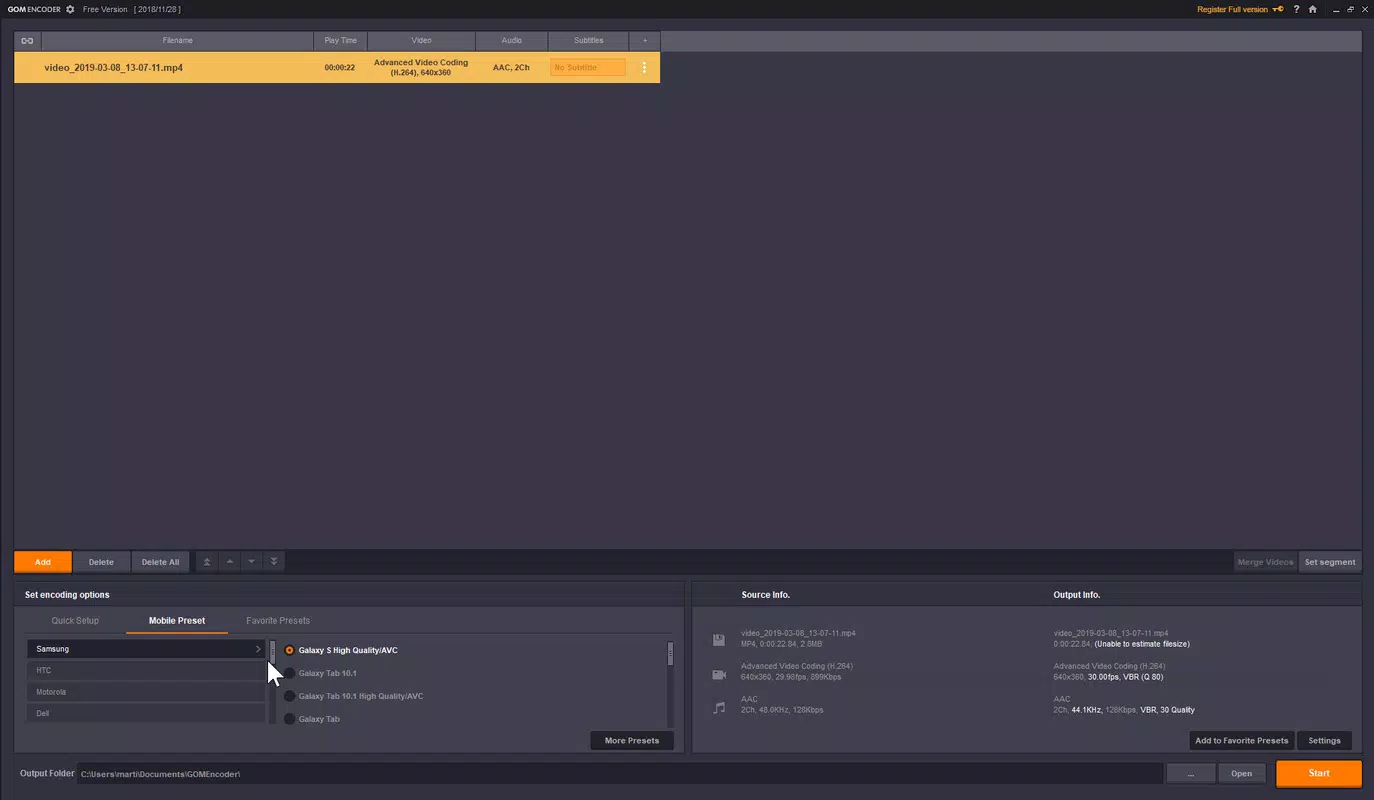
- Extensive Preset Options: Pre-configured presets are available for popular devices such as smartphones, tablets, and gaming consoles, enabling users to achieve optimal output quality without manual adjustments.
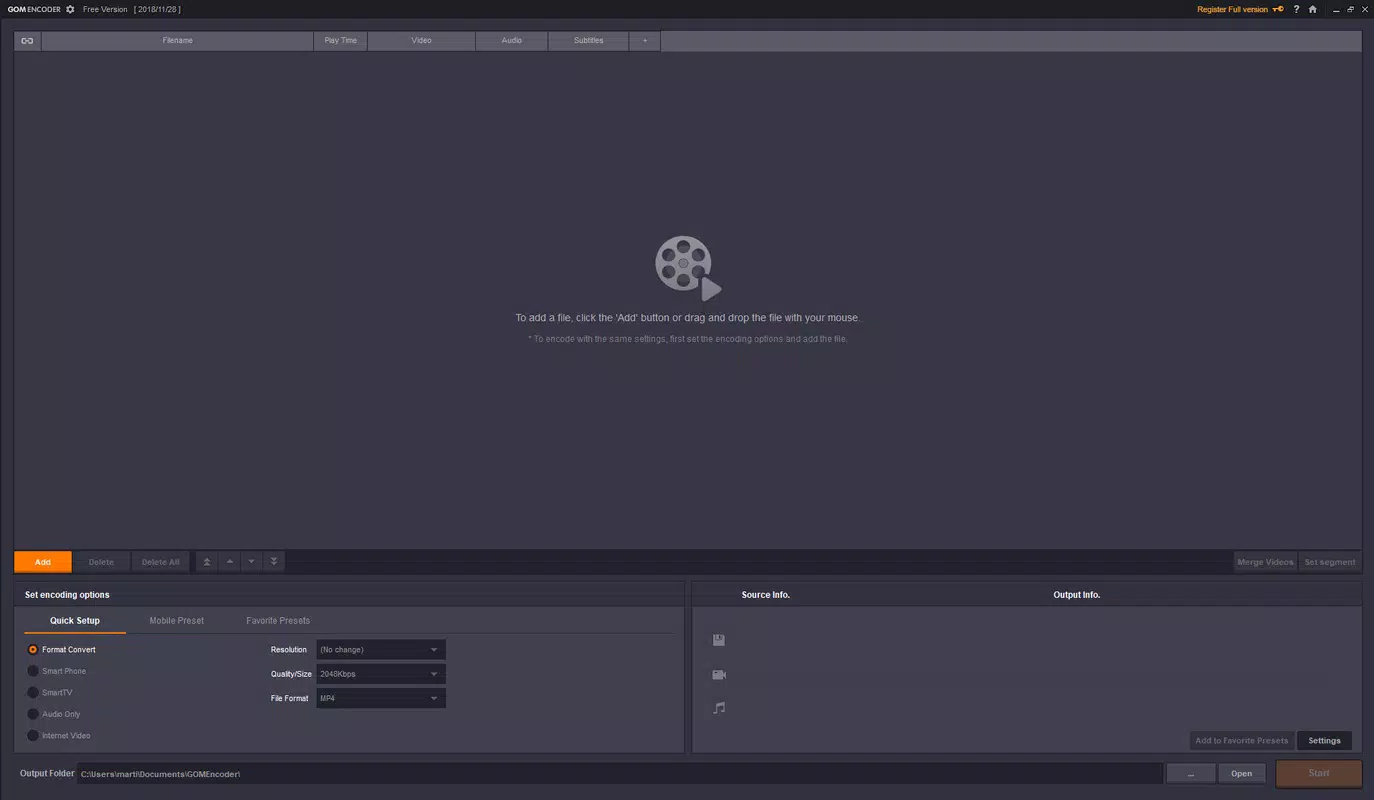
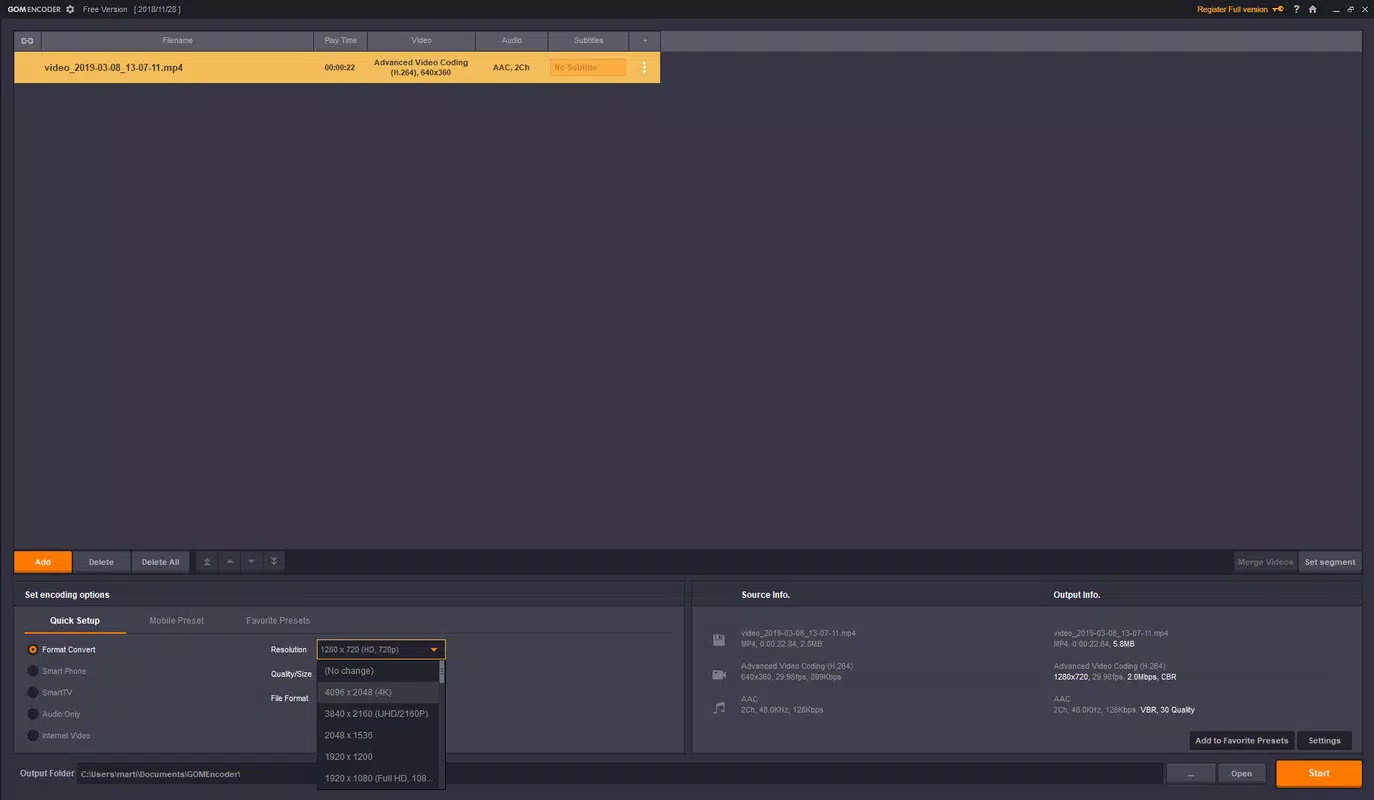
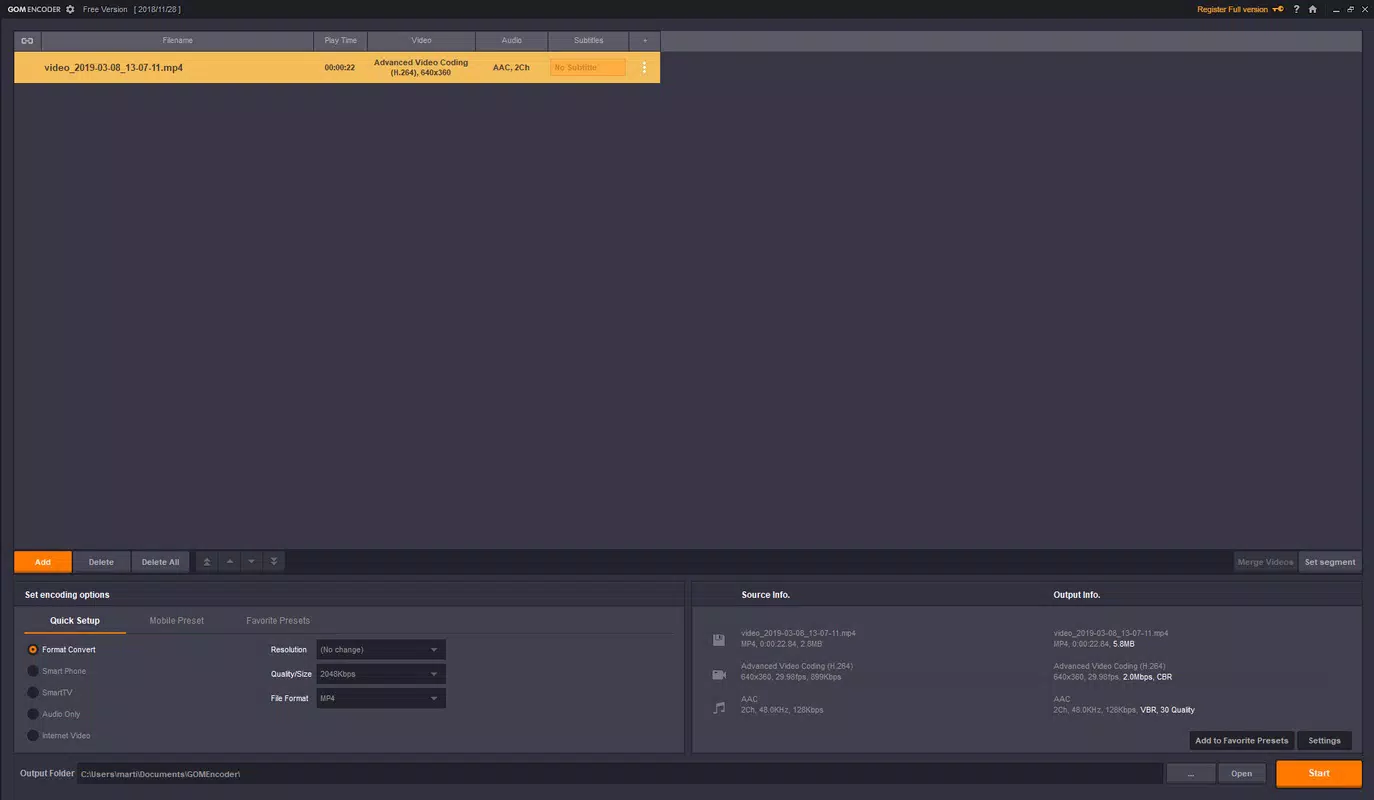
- User-Friendly Interface: The layout is designed for clarity and ease of navigation, allowing both beginners and advanced users to operate the software efficiently, whether using default settings or customizing output parameters.
- Value for Money: Despite being a paid application, the combination of speed, versatility, and ease of use offers strong long-term value for regular users.
For example, a student preparing a presentation can quickly convert a recorded lecture from MKV to MP4 using a smartphone preset, ensuring smooth playback during the session. Similarly, a content creator can batch-convert high-resolution footage for YouTube without compromising quality or spending excessive time on configuration.
Interface, UX & Performance
The user interface of GOM Encoder is clean, logically organized, and designed with minimal clutter. Navigation is intuitive, with clearly labeled sections for file input, output settings, and conversion controls. The layout supports both quick one-click conversions and in-depth customization, catering to users with varying levels of technical expertise. Visual feedback during processing, such as progress bars and estimated completion times, enhances user awareness and reduces uncertainty.
Although the developer did not list formal performance metrics, the app’s reputation for speed suggests efficient resource management. It operates smoothly on standard Windows systems, with responsive interactions and minimal lag during file loading and processing. Stability appears consistent, with no reported issues related to crashes or freezes under normal use. The application maintains performance across different device categories, including mid-range and high-end Windows machines, though specific requirements were not disclosed.
Platform Compatibility & Technical Requirements
GOM Encoder is available exclusively for the Windows platform. The current version is 2.0.18.5586, with a file size of 56.2 MB. This compact footprint reflects efficient code optimization and minimal bloat. The app is designed to run on modern Windows operating systems, although the developer did not specify minimum OS requirements. Users are advised to ensure their system meets standard Windows compatibility standards for running multimedia applications.
Given the app’s focus on video encoding, it likely leverages hardware acceleration where available. However, no explicit details about GPU or CPU dependencies were provided. The absence of mobile or macOS versions means that cross-platform users may need alternative tools for non-Windows environments. For Windows users, the app offers a dedicated and focused experience tailored to video conversion workflows.
Pros and Cons
Pros
- Fast and efficient video conversion with minimal processing delays
- Supports a wide range of video formats for maximum compatibility
- Offers numerous device-specific presets for optimized output
- Intuitive interface suitable for both beginners and advanced users
- Compact file size with efficient resource usage
Cons
- Available only for Windows, limiting accessibility for macOS and mobile users
- Price point of $29.99 may be considered high for casual users
- Developer did not disclose minimum system requirements or compatibility details
- No cloud sync or multi-device support currently available
- Updates and feature enhancements are not publicly detailed
FAQ
Is GOM Encoder safe to download and install?
Yes, GOM Encoder is developed by GOM Lab, a reputable company known for its media software. The application is distributed through official channels and does not contain malware or unwanted components.
Can I use GOM Encoder on multiple devices?
Since the app is only available for Windows, it can be installed on any Windows machine where the system meets the necessary requirements. However, the developer did not specify licensing terms for multiple installations.
Does GOM Encoder support batch conversion?
Yes, the app allows users to add multiple files for simultaneous conversion, which enhances productivity when processing large volumes of video content.
Is there a free version of GOM Encoder?
Currently, GOM Encoder is a paid application with no publicly available free version. Users must purchase the full version to access all features.
How often are updates released for GOM Encoder?
The developer has not disclosed a regular update schedule. However, the app’s release date of May 21, 2021, suggests it has been maintained with periodic improvements.
Final Thoughts
GOM Encoder stands out as a reliable and efficient video conversion tool for Windows users who value speed, quality, and simplicity. Its well-structured interface, broad format support, and smart presets make it a practical choice for both casual users and professionals. While the price may be a barrier for some, the app delivers tangible value through its performance and usability. For anyone regularly working with video files and seeking a dependable utility, GOM Encoder offers a compelling solution. The combination of proven development from GOM Lab and a focused feature set ensures a trustworthy experience.
Download GOM Encoder now


